Check access to both apps
Check Mac App Store availability, then get the compatible Android app through Google Play.
Your files, where you need them. Chicklee Link copies the files you choose between your Android phone and Mac.
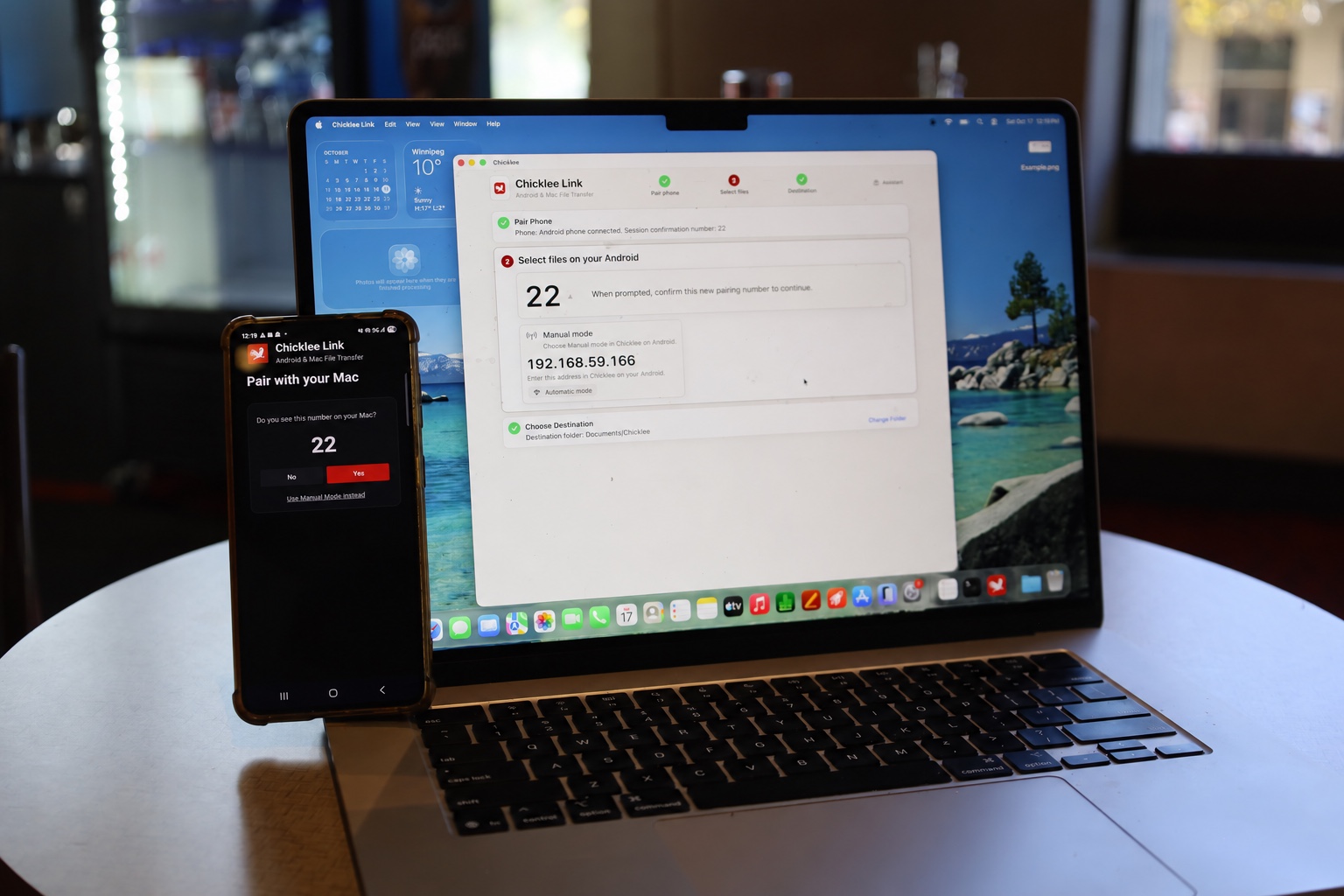
Connect both devices to your home Wi-Fi or your phone’s password-protected hotspot. Chicklee usually finds your Mac automatically.
Independent use needs both apps. Check that Chicklee Link for Mac is available to you in the Mac App Store before installing Android.
Ten accepted files per day for free, shared across both directions. No Chicklee subscription.
See Chicklee Link
The video loads from YouTube when you play it. Watch on YouTube.
How it works
Check Mac App Store availability, then get the compatible Android app through Google Play.
Open both apps on a suitable shared local connection. Compare the number on both devices and confirm on your phone.
Use Chicklee on Android to choose which device has your files, then select one or more files on that device.
On the receiving device, review the files and destination folder, then choose Receive Files. Check the result and open the saved files there.
Choose the destination
The receiving device chooses where files land and approves each batch. Pairing and choosing files alone do not start copying. Your originals stay on the source device.
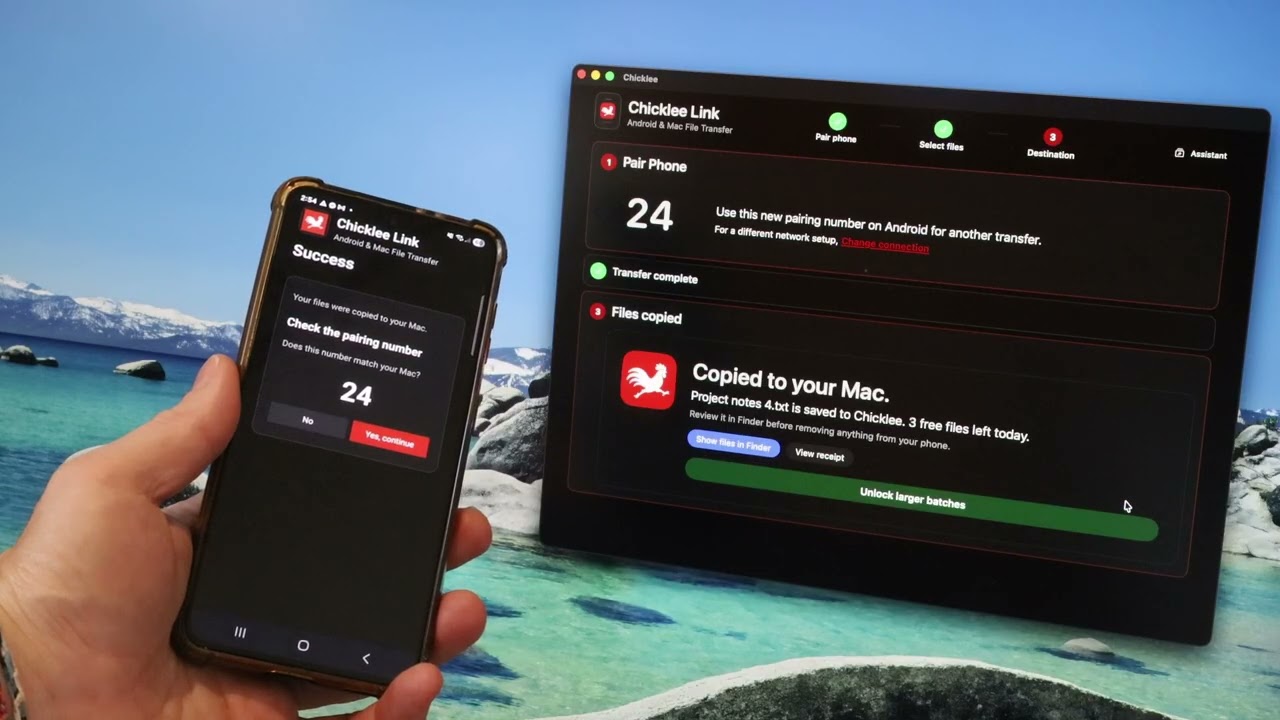
Example: a copy to your Mac
2 files are saved to Chicklee Transfers.
Review them in Finder before removing anything from your phone.
Simple pricing
The Mac counts one shared allowance of 10 accepted files per day across both directions. The larger-batch unlock and Restore Unlock are handled on the Mac when offered in the app. Android has no separate purchase, and no Chicklee account or subscription is needed.
Free
Good for trying Chicklee and copying a few files when you need them.
Unlimited
Copy without the daily file limit when the Mac unlock is active. Android never asks you to buy a second unlock.
Privacy by design
Selected files travel directly between your Android phone and Mac over the local connection. For sensitive files, use a private network you control.